In 2026, the most efficient and precise way to create T-shirt patterns is to generate an editable sewing pattern from a reference image and design description, then refine it with measured prompts while checking both the 2D pattern and the 3D fit. LA VIPÈRE is built for that workflow.
Creating a T-shirt may seem simple, but developing a usable sewing pattern still requires careful decisions about fit, proportions, sleeves, neckline, ease, and fabric behavior. Traditionally, turning a reference image into a pattern means manual drafting, technical expertise, and multiple rounds of sampling. With LA VIPÈRE, designers can use an image and written description to generate an editable T-shirt pattern and visualize it in 3D, without giving up CAD-level control.
Precision Through AI-Native CAD
Many people stay away from AI for pattern making because of its lack of precision. Image generators can look convincing and still fail on seam lengths, armhole balance, grading, or production marks.
LA VIPÈRE is an AI-native CAD. That means it inherits the precision of traditional CAD systems and the speed and ease of use of AI. Prompts do not invent a vague silhouette. They drive measurable geometry: centimeters on the neckline, shoulder tip, sleeve length, body ease, seam allowance, and more.
You keep the language of pattern making, and you get the interaction model of AI. Learn more in What is AI-native CAD (Fashion Edition)?.
The T-Shirt Design
The design brief was to create a relaxed T-shirt featuring:
- Short sleeves
- Ribbed crew neckline
- Mid-hip body length
- Straight hem
- Medium-weight cotton jersey
- Separate front, back, sleeve, and neckband pieces
The reference image provided the visual direction, while the prompt described the garment’s construction and proportions. For a related workflow from fashion sketch to pattern, see Generate Sewing Patterns from Images.
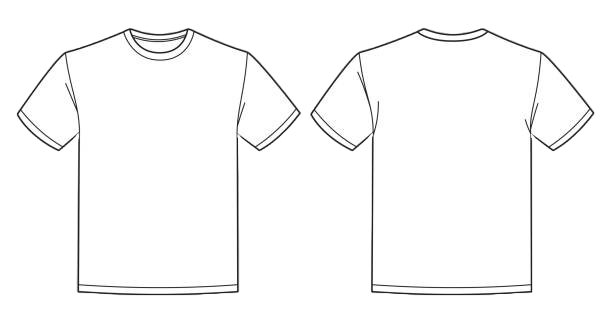
Reference image used to generate the T-shirt pattern in LA VIPÈRE.
The Prompt
The T-shirt was generated using a prompt such as:
Create a relaxed-fit T-shirt with a boxy silhouette, short sleeves, a ribbed crew neckline, straight hem, and mid-hip length. Use medium-weight cotton jersey and include separate front, back, sleeve, and neckband pattern pieces.
The prompt can be adapted for different styles:
Create an oversized T-shirt with dropped shoulders, wide sleeves, a ribbed crew neckline, and a straight hem finishing below the hip. Use heavyweight cotton jersey.
Create a fitted cropped T-shirt with short sleeves, a high crew neckline, and a hem finishing above the natural waist. Use stretch jersey.
The more specific the description, the easier it is to communicate the intended fit and construction. After generation, you can continue refining part by part (neckline, shoulder, sleeve, side fit, hem) in the T-shirt documentation.
Generating the Pattern
LA VIPÈRE generated an editable pattern consisting of:
- Front body
- Back body
- Sleeves
- Neckband
The pattern could then be reviewed in 2D for proportions, seam lengths, neckline shape, sleeve shape, and overall construction. This is the core of an AI T-shirt pattern maker workflow: a T-shirt pattern from a reference image that you can still edit.
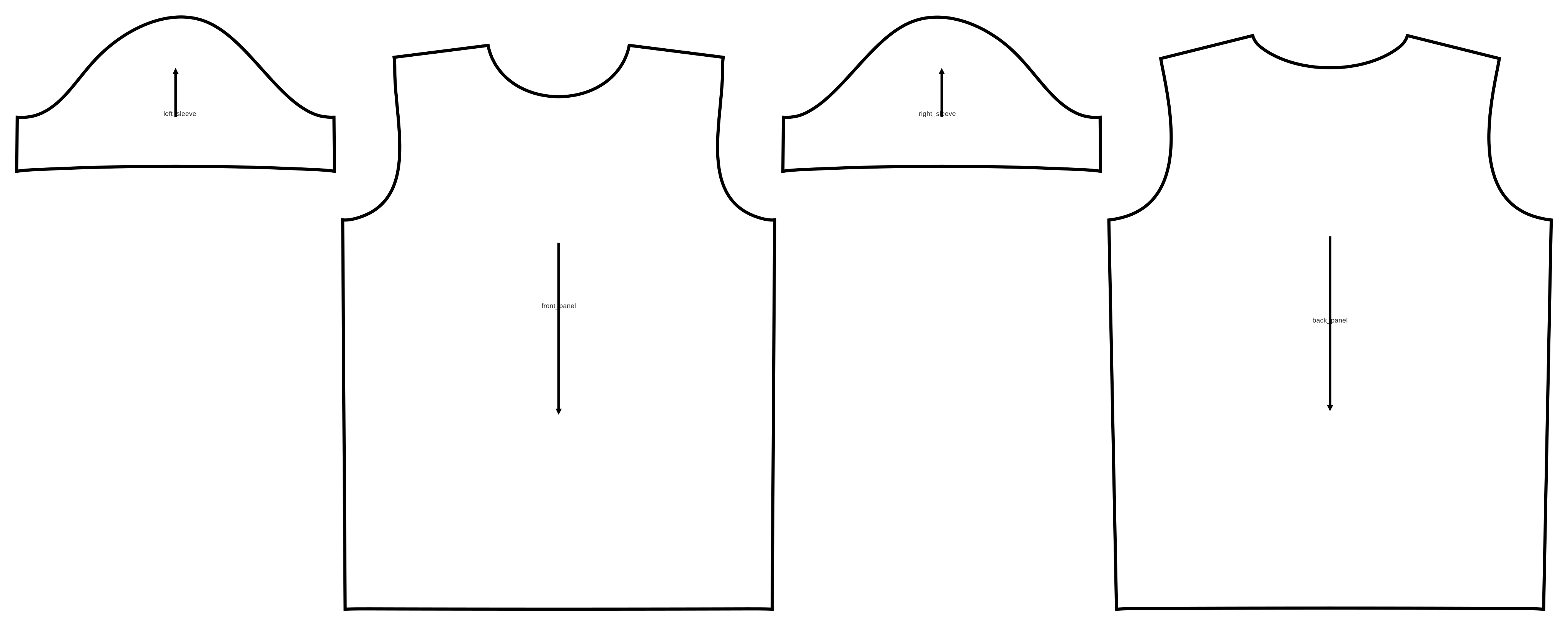
Editable 2D pattern pieces

Pattern layout for review
Editable T-shirt sewing pattern generated from the reference image and design description.
3D Visualization
The pattern was simulated in 3D to evaluate the design before physical sampling.
The designer could review:
- Overall silhouette
- Shoulder and sleeve position
- Neckline proportions
- Body and sleeve length
- Fit and ease
- Drape and balance
Front view of the generated T-shirt simulated in 3D. Switch to Pattern, or rotate the avatar to check side and back balance.
Refine with Precise Prompts in 2D and 3D
Efficiency comes from iteration speed. Precision comes from measured changes you can see on the pattern and on the body at the same time. Switch each example between Pattern and 3D to inspect the geometry.
Neckline
Set an exact neck circumference, then compare before and after. The pattern edge and the 3D neckline move together.
“I want the neck circumference to be 49cm”
Before
44.5 cm
After
49.0 cm
More neckline examples in the Neckline docs.
Shoulder
Extend and drop the shoulder tip for a soft dropped-shoulder look. Check the shoulder seam length in pattern view and the silhouette in 3D.
“soft curved dropped shoulder, extend 4cm and drop the tip 2cm”
Before
Length 11.4 cm
After
Length 14.1 cm +2.7 cm
More shoulder examples in the Shoulder docs.
From Pattern to Production
LA VIPÈRE supports the complete pattern-making workflow, from design description or reference image to production-prepared patterns.
Users can prompt the platform to:
- Add seam allowances, notches, and grainlines
- Modify pattern pieces and construction details
- Automatically grade patterns across multiple sizes
- Validate every size in 3D
- Generate fabric markers
- Export files for manufacturing
Seam allowance by prompt
Production marks stay as precise as the design geometry. Prompt for allowance by edge type, then open Pattern view to see the stitch line inside the cut outline. The 3D silhouette stays the same because seam allowance is a pattern attribute.
add seam allowance: 1cm on the shoulder and side seams, 0.5cm on the neckline armhole and sleeve cap, and 3cm at the hems
Before
Stitch line only
After
Cut outline with seam allowance
Full production examples in Seam Allowance and Notches.
Unlike traditional CAD workflows, where these steps are often handled manually across multiple tools, LA VIPÈRE brings them together in one AI-powered platform, in a fraction of the time.
Learn more about Production Settings or compare the workflow with Best Pattern Making Software for Professionals.
Why AI Pattern Making Matters for T-Shirts
The T-shirt is one of the most common garments in fashion, yet developing each new style can still involve repetitive drafting, grading, sampling, and marker-making work.
LA VIPÈRE transforms this process by allowing designers and manufacturers to generate, modify, grade, and prepare T-shirt patterns through prompts, in a fraction of the time required by traditional workflows, without sacrificing the precision expected from CAD.
For smaller brands, this means lower development costs, faster sampling, and the ability to explore more designs without a large technical team. For manufacturers, it can accelerate client development, reduce repetitive manual work, and move approved styles into production more efficiently.
Because the workflow covers everything from the initial pattern to seam allowances, notches, grading, and markers, LA VIPÈRE makes AI-powered pattern making practical for one of fashion’s most frequently produced garments.
The result is not just a faster way to create a T-shirt. It is a more scalable way to develop and manufacture entire T-shirt collections. As with any production workflow, final fit and manufacturing requirements should still be reviewed before bulk production.
Key Takeaways
- In 2026, the fastest precise path is image plus description, then measured prompt edits in 2D and 3D.
- AI-native CAD combines traditional CAD precision with AI speed and ease of use.
- Refine neckline, shoulder, sleeves, and body with centimeter-level prompts.
- Add seam allowances, notches, grading, and markers in the same workflow.
- Review final fit and manufacturing requirements before bulk production.
Frequently Asked Questions
Can AI generate a sewing pattern from a T-shirt image?
Yes. An AI-native CAD workflow can generate an editable pattern from a reference image and written design description. Multiple views and technical details generally improve the result. Review the 2D pattern and 3D simulation, then test before production.
Is AI precise enough for T-shirt pattern making?
Generic AI image tools are often not. LA VIPÈRE is an AI-native CAD, so prompts drive measurable pattern geometry with the precision of traditional CAD and the speed of AI. You can verify every change in 2D and 3D.
Can AI generate different T-shirt sizes?
Yes. For better control, create custom avatars and express the design in terms of body landmarks, so the same intent can follow across sizes. See Body Landmarks and the Grading Guide for more detail.
Are AI-generated T-shirt patterns production-ready?
They can provide a strong production-development starting point, including seam allowance and notches by prompt. Final patterns should still be reviewed for measurements, construction, fabric behavior, and manufacturing requirements. See Production Settings, Seam Allowance, and Notches.
What should I include in an AI pattern prompt?
Describe the garment type, fit, sleeve construction, neckline, length, fabric, seam details, and intended size or measurements. For edits, use clear amounts such as centimeters. Start with the T-shirt overview, then use Neckline, Shoulder, Armhole, Sleeve, Side Seam, and Hem for measured prompt examples.
Conclusion
LA VIPÈRE is the most efficient and precise way to create T-shirt patterns in 2026 because it pairs AI interaction with CAD geometry. Designers can move from a reference image to an editable sewing pattern and 3D visualization, then refine fit and prepare production details without leaving the platform.
Upload a T-shirt reference image, describe the fit and construction, generate an editable pattern, validate it in 3D, refine with precise prompts, and review manufacturing requirements before bulk production.
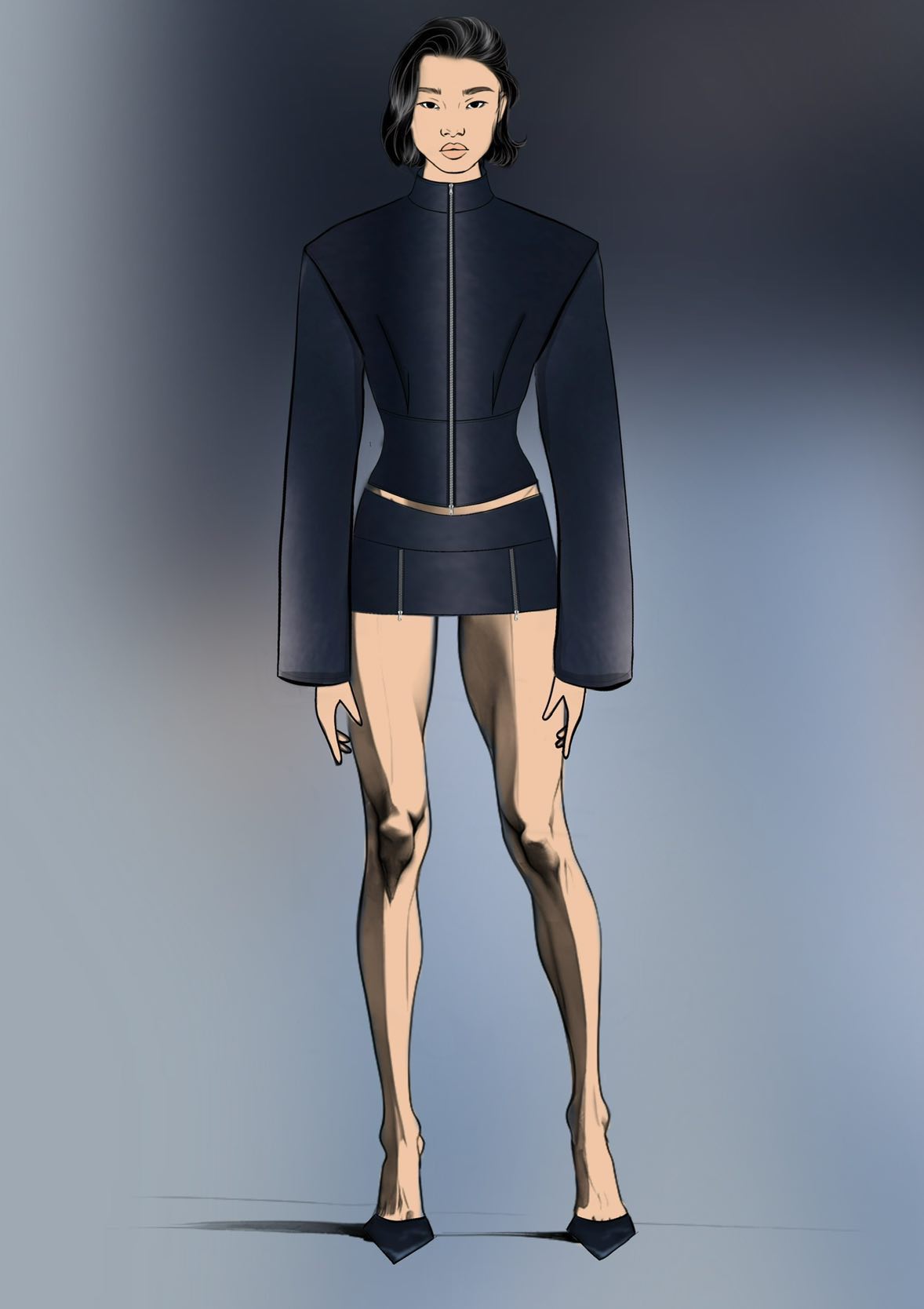
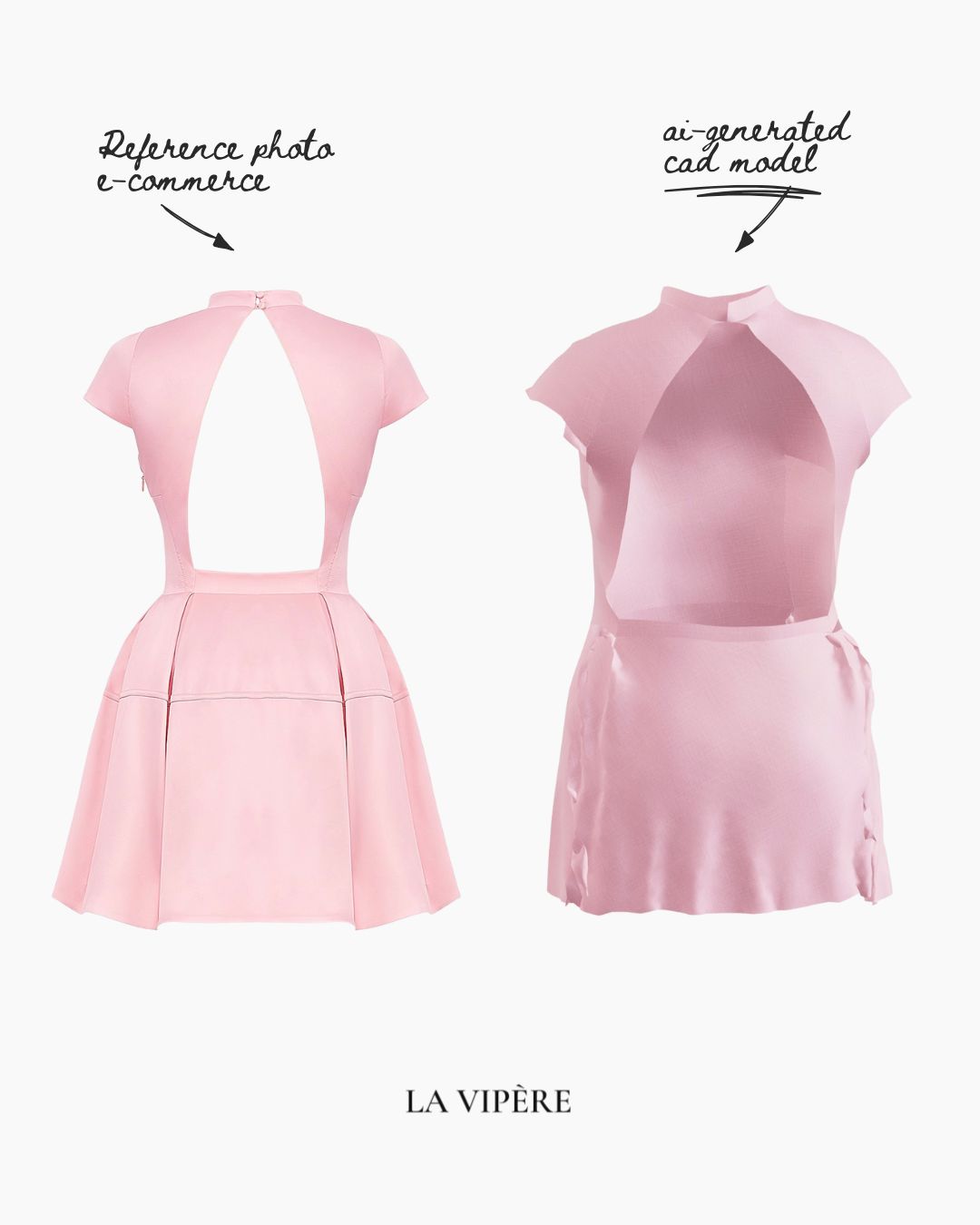
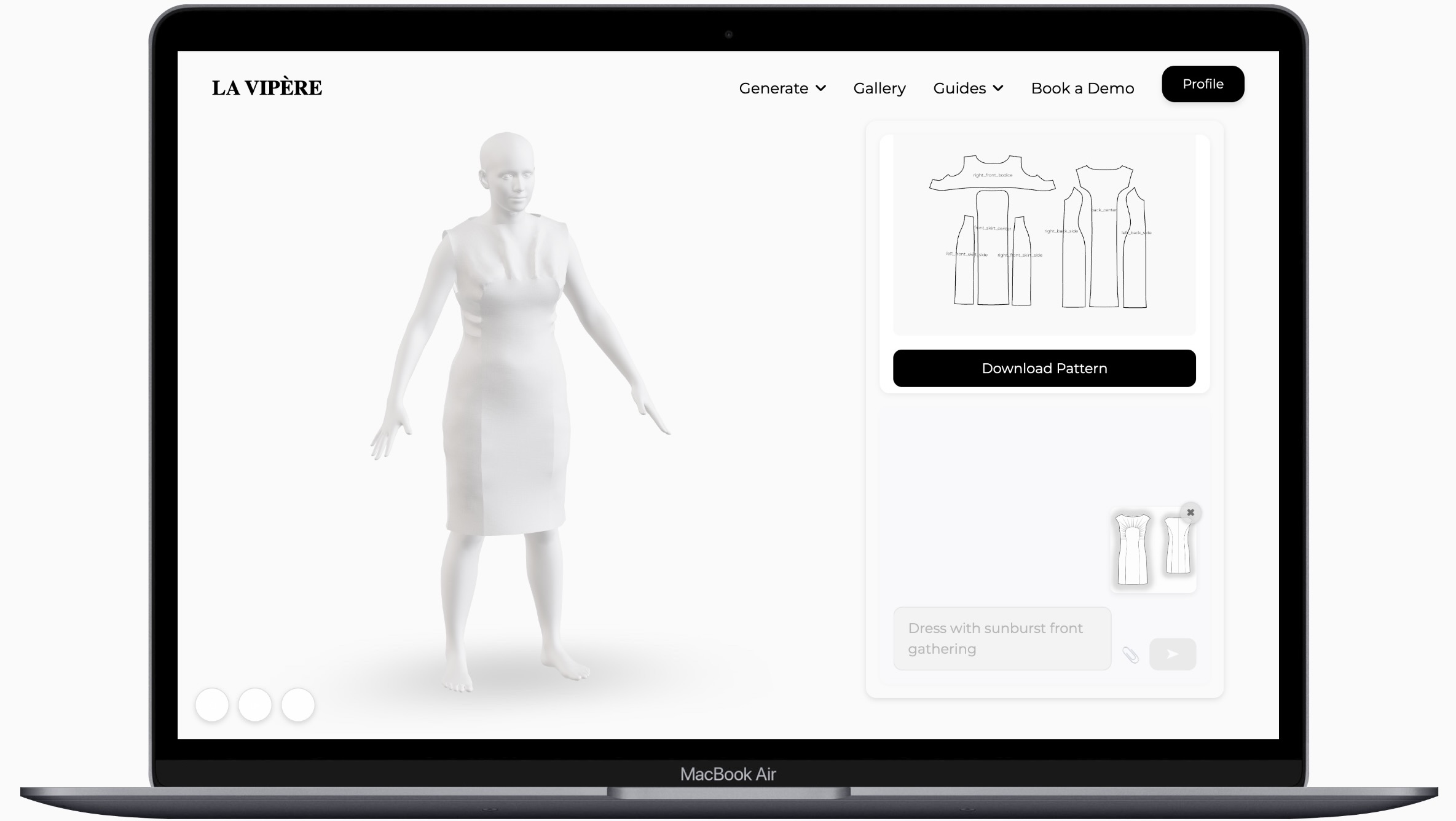
Create T-shirt patterns with AI-native CAD precision.
Generate from a reference image, refine with measured prompts in 2D and 3D, then prepare production details in one workflow.